How to Use Multi-Trade Mode on LeveX
Learn to manage multiple independent positions with different leverage and margin settings. Requirements Before Starting A registered LeveX account (How to register an account on LeveX) Funds in your futures wallet (How...
Archive context
Older archive item. Useful for background and entity history, but not a fresh market-moving signal.

Learn to manage multiple independent positions with different leverage and margin settings.
Requirements Before Starting- A registered LeveX account (How to register an account on LeveX)
- Funds in your futures wallet (How to transfer funds between wallets)
- Basic understanding of futures trading (Understanding futures trading on LeveX)
- Understanding of Multi-Trade Mode concepts (Understanding Multi-Trade Mode)
Go to the LeveX homepage and hover over “Futures” in the top navigation menu, then select USDT Perpetuals, USDC Perpetuals, or COIN-M Perpetuals depending on your preferred contract type.
Step 2: Locate Position Mode SettingsOn your futures trading interface, find the position mode selector. This is located near the top right of the trading panel, above the order placement area. Click the “Setting/Gear” icon.
Step 3: Activate Multi-Trade Mode-
The current position mode defaults to “Hedged)
-
Select “Multi-Trade Mode” instead
-
Click “Confirm” to activate Multi-Trade Mode
After activating Multi-Trade Mode, your trading interface will show:
- Individual position tracking for each order you place
- Separate margin allocation for each position
- Independent leverage settings per position
- Individual profit/loss calculations for each trade
Choose your desired futures contract from the trading pair selector (e.g., BTCUSDT).
Configure Your First PositionNotice that the trading area now has an additional dropdown specifying which position you’re opening/adjusting.
-
Choose your order type (Market, Limit, or Conditional)
-
Select your position direction (Long or Short)
-
Enter your position size in the Quantity field
-
Set your desired leverage for this specific position
-
Review your margin allocation for this trade
Click “Open Long” or “Open Short” to create your first position in Multi-Trade Mode.
Step 6: Add Additional Independent Positions Opening a Second Position in the Same DirectionTo demonstrate Multi-Trade Mode’s capabilities, open another position in the same direction:
-
Wait for price movement or choose a different entry strategy
-
Configure different parameters:
- Different leverage (e.g., 5x instead of 10x)
- Different position size
- Different order type if desired
-
Place the order – this creates a completely separate position
Multi-Trade Mode allows simultaneous long and short positions:
-
Select the opposite direction from your existing position(s)
-
Configure the short position:
- Choose appropriate leverage
- Set position size based on your strategy
- Consider this as a hedge or separate trade
-
Place the order to create an independent short position
Your positions will appear in the “Positions” tab below the trading interface:
- Each position shows its own entry price, size, and leverage
- Individual profit/loss calculations for each trade
- Separate margin allocation per position
- Independent liquidation prices
For each position, you can:
-
Set individual take-profit levels based on each entry price
-
Configure separate stop-losses for different risk tolerances
-
Adjust leverage for individual positions if needed
-
Close positions independently without affecting others
Build positions across multiple price levels:
-
Open initial position at current market price
-
Set limit orders at lower prices (for longs) or higher prices (for shorts)
-
Each filled order creates a new independent position
-
Manage each position with its own risk parameters
Protect individual positions with targeted hedges:
-
Identify the position you want to hedge
-
Open an opposite position of appropriate size
-
Configure the hedge with suitable leverage and stops
-
Manage both positions independently
Begin with 2-3 positions to understand the interface and management requirements before scaling up to more complex strategies.
Clear DocumentationKeep track of your strategy for each position to maintain clarity about your trading plan and risk management approach.
Regular MonitoringMulti-Trade Mode requires more active management than traditional position modes, so plan for regular account monitoring.
Risk ManagementSet position limits for yourself to prevent over-leveraging and maintain disciplined trading practices.
Next StepsAfter mastering Multi-Trade Mode basics:
- Explore advanced order types that work with multiple positions
- Learn about margin and leverage optimization for complex strategies
- Practice with trading tournaments to test Multi-Trade strategies in competitive environments
- Review funding fees impact on multiple position strategies
For additional support with Multi-Trade Mode, visit the LeveX Support Center or contact our support team directly.
This is a sponsored article. Opinions expressed are solely those of the sponsor and readers should conduct their own due diligence before taking any action based on information presented in this article.
Why this matters
This research story adds another data point to the current market tape and is useful when read alongside nearby source coverage.
Original source
Read on Brave New CoinRelated market context

CFTC Seeks Comment on First Crypto Rules for Leveraged Trading, Leaving Spot Markets Out
The Commodity Futures Trading Commission (CFTC) on Monday published an advance notice of proposed rulemaking for two crypto rules,...
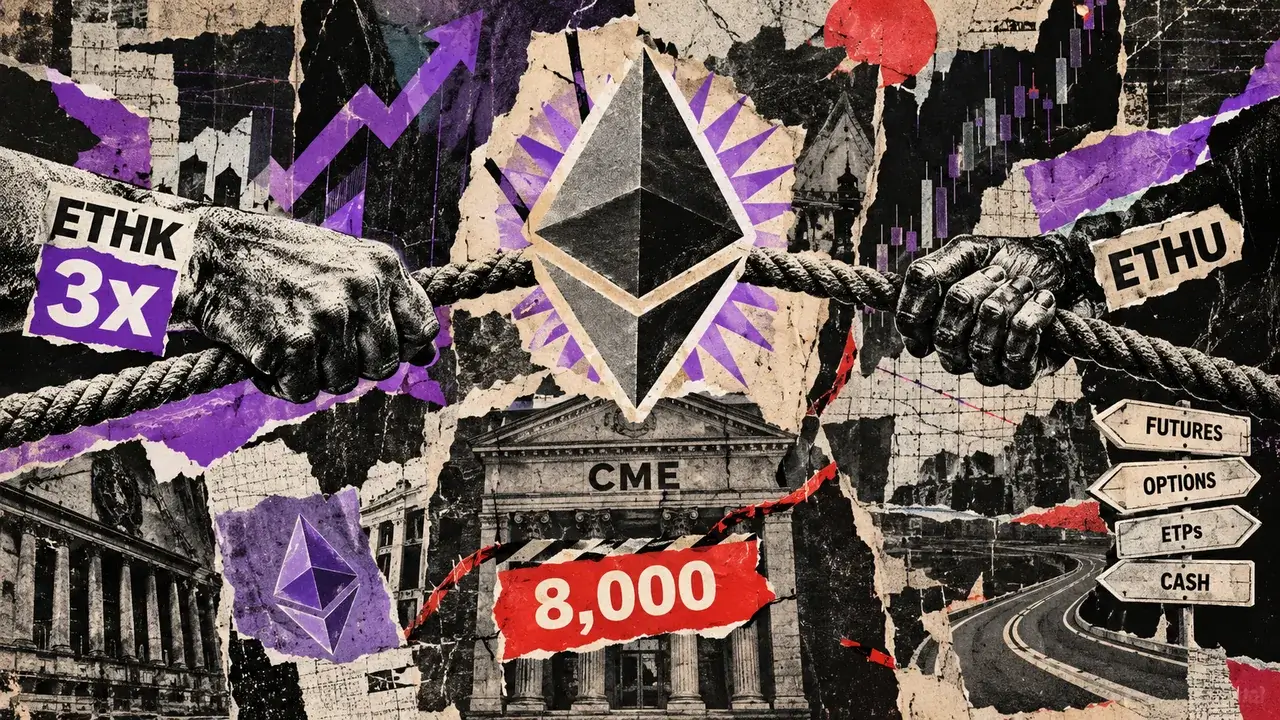
Ethereum’s proposed 3x ETF could reach CME’s futures threshold with just $362 million
At ETHU's Oct. 6 disclosed futures valuation, a 3x Ethereum ETF with $362.1 million in assets would target about $1.09 billion of...

CFTC Lets Exchanges Convert Index Futures Into True Perpetual Contracts
TL;DR CFTC staff has issued temporary no-action relief allowing designated contract markets to convert certain broad-based securit...

CFTC Opens Rulemaking Push For Retail Leveraged Crypto Markets
TL;DR The CFTC has opened an advanced rulemaking process around retail commodity transactions involving crypto assets. The agency...

XRP futures trading hits six-month high in September with $32B on Binance
The surge in XRP futures trading highlights growing market interest and liquidity, potentially influencing XRP's long-term price t...

Solana Foundation Offers Banks Open-Source Code to Settle Tokenized Trades in One Step
When a bank or fund trades a security, the rule known as delivery-versus-payment means the security and the money are exchanged to...